How to Create Equipment Bundles and Package Deals That Sell
Stop rebuilding the same chair-table-tablecloth combo on every phone call. Pre-built equipment bundles close faster, cut mistakes, and keep your inventory in sync.
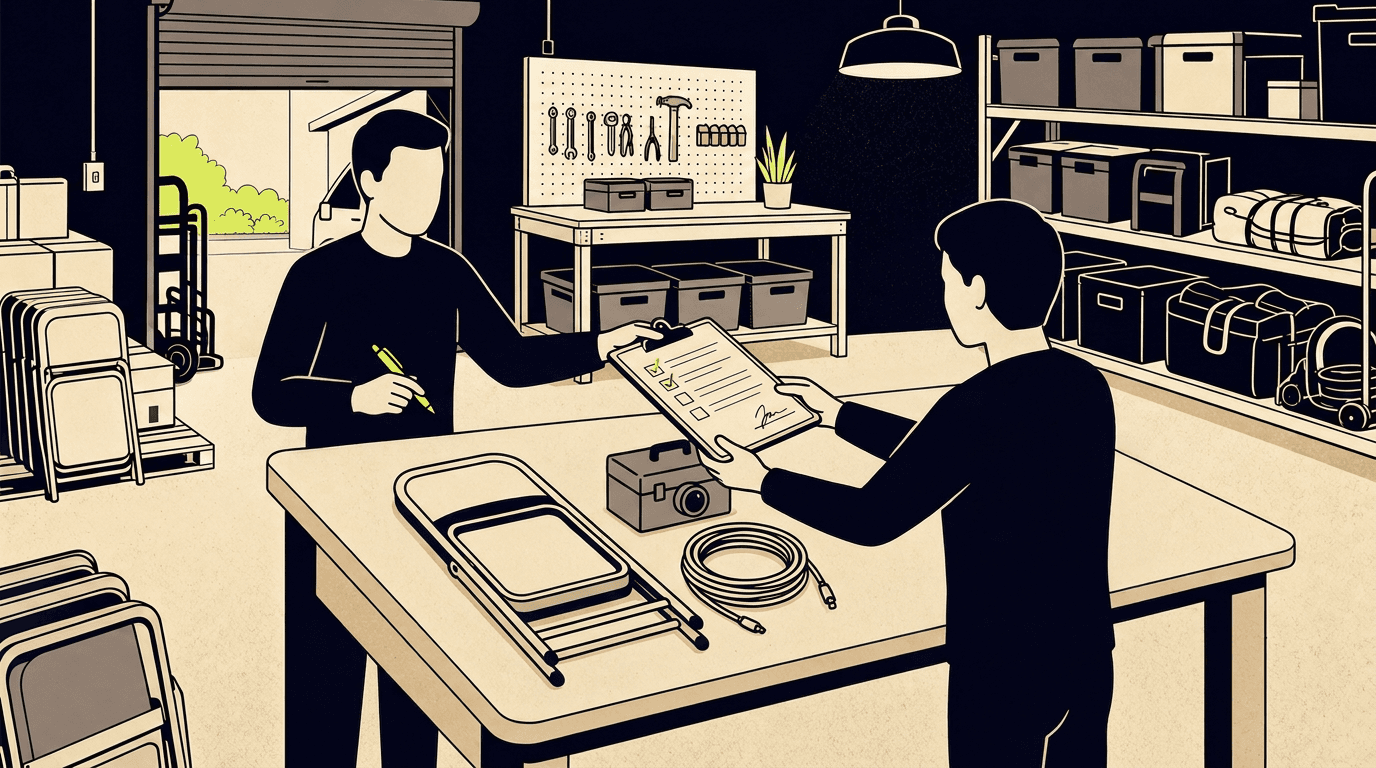
If you rent out party tables, chairs, linens, tents, or any physical gear that customers tend to order in groups, you have probably rebuilt the same combination dozens of times. A customer calls about a wedding. You pull up your list, count the tables, count the chairs, add the tablecloths, quote a price, and check dates for every piece. Next call, same combination, same work. Equipment rental package deals exist to fix exactly this: you define the set once, give it a name and a price, and from that point on it behaves like a single thing you can add to an order, show on a catalogue page, or quote over the phone in five seconds instead of five minutes.
This article covers why bundles work, how to price them without giving away margin, the inventory pitfalls most operators miss, and what to do when you are a few pieces short of a full set.
Customers want fewer decisions, not more options.
A bride planning her reception is not excited about choosing between four chair types, three tablecloth sizes, and two table shapes. She wants a table set that looks good. The same goes for the guy booking a backyard birthday who just needs "the tent setup" and does not care which tent poles go with which canopy.
When you sell items one by one, every customer has to figure out what goes with what, how many of each they need, and whether they forgot something. Some will figure it out. Others will call you three times, or just give up and call someone else.
A pre-built bundle does three things at once. It removes the guesswork, because you already matched the right pieces. It gives a clear price, because one number is easier to say yes to than a list of twelve lines. And it reduces the chance that something gets left off the order, because you built the set from experience, not from a rushed phone conversation.
Which equipment bundles to build first
Start with whatever you already quote together. If you spend half your phone calls saying "that's 1 round table, 8 white chairs, and a tablecloth, same as usual," that is your first bundle. Look at your last 20 or 30 orders. The combinations that keep showing up are the ones worth packaging.
Common starting points for party and event hire operators:
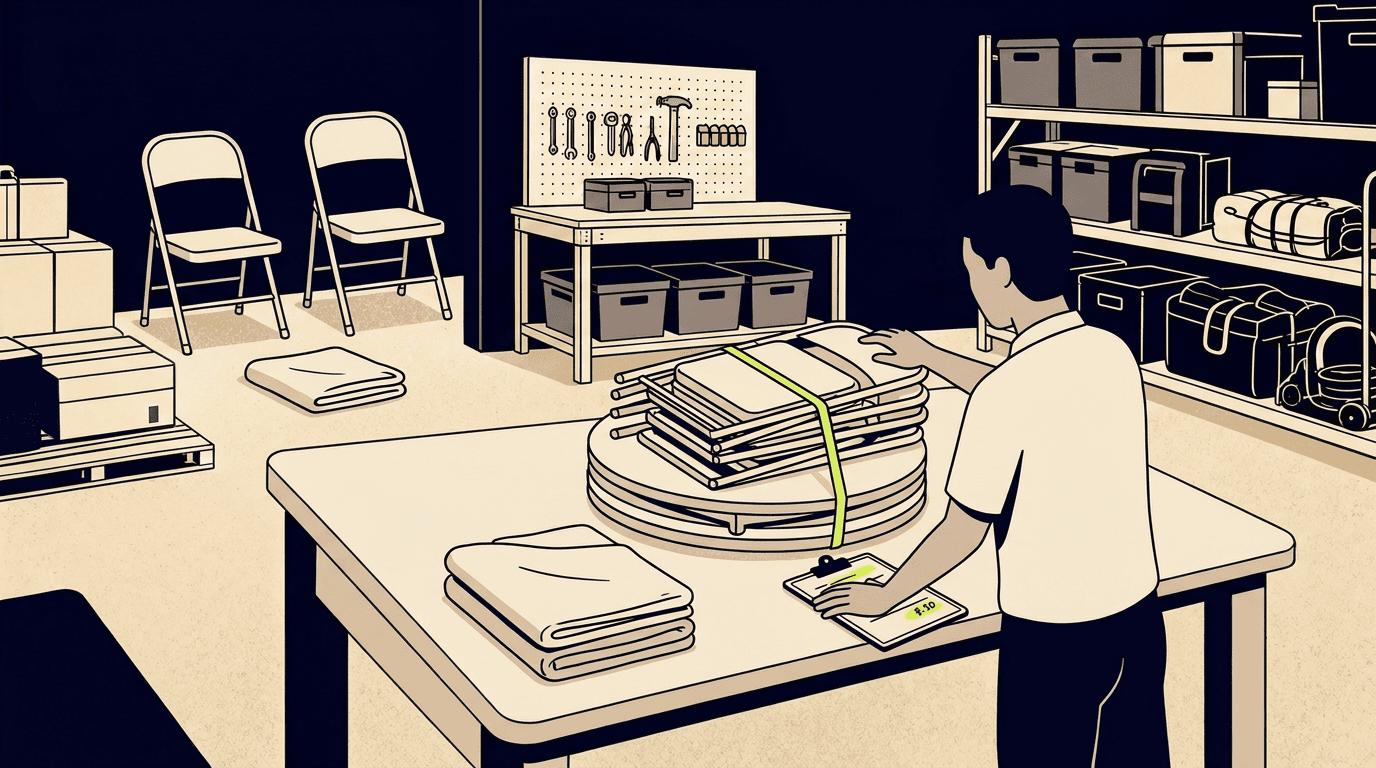
- A table set (table + chairs + linen, sized for 6, 8, or 10 guests)
- A tent package (tent + sidewalls + lighting + stakes/weights)
- A sound setup (speakers + mixer + microphone + cables)
- A photo booth kit (backdrop + lights + props box)
You do not need to bundle everything in your inventory. Start with two or three sets that match what customers actually ask for. You can always add more later.
How to price equipment rental package deals without losing margin
The standard approach is straightforward: add up the per-day price of every item in the bundle, then offer a small discount, usually 5% to 15%, so the bundle feels like a better deal than renting the pieces separately. A "wedding table set" with items that would normally total $18/day might be priced at $15/day as a bundle.
A few things to keep in mind when you set that number:
The discount has to be real, but it does not have to be huge. Customers respond to the convenience of a ready-made set at least as much as they respond to the savings. A 10% discount on a bundle that saves them ten minutes of decision-making is a good trade for both sides.
Price the bundle as a single flat rate per day, not as a sum of discounted parts. A single price is easier to quote, easier to put on a catalogue page, and easier for the customer to compare against a competitor. It also avoids the situation where a customer asks you to remove one chair from the bundle to save $1.50.
Check your margins before setting the price. If you know what each item cost you to buy and how many times it rents out per year, you can calculate whether the bundle discount still leaves a healthy return. A 10% bundle discount on chairs that are already only just covering their acquisition cost is a bad deal for you, even if it closes faster.
The double-selling problem with bundled inventory
This is the mistake almost every operator makes the first time they try bundles, whether in software or on paper. You create a "wedding table set" that includes 8 white chairs. You also list white chairs individually for customers who just need a few extras. Now you have the same chairs appearing in two places, and if both places accept bookings independently, you will oversell.
The fix is simple in principle: the chairs in a bundle and the chairs listed individually must pull from the same stock. If you own 40 white chairs and someone books a bundle that uses 8 of them for Saturday, only 32 should be available for any other order that same day, whether someone books them as part of another bundle or one at a time.
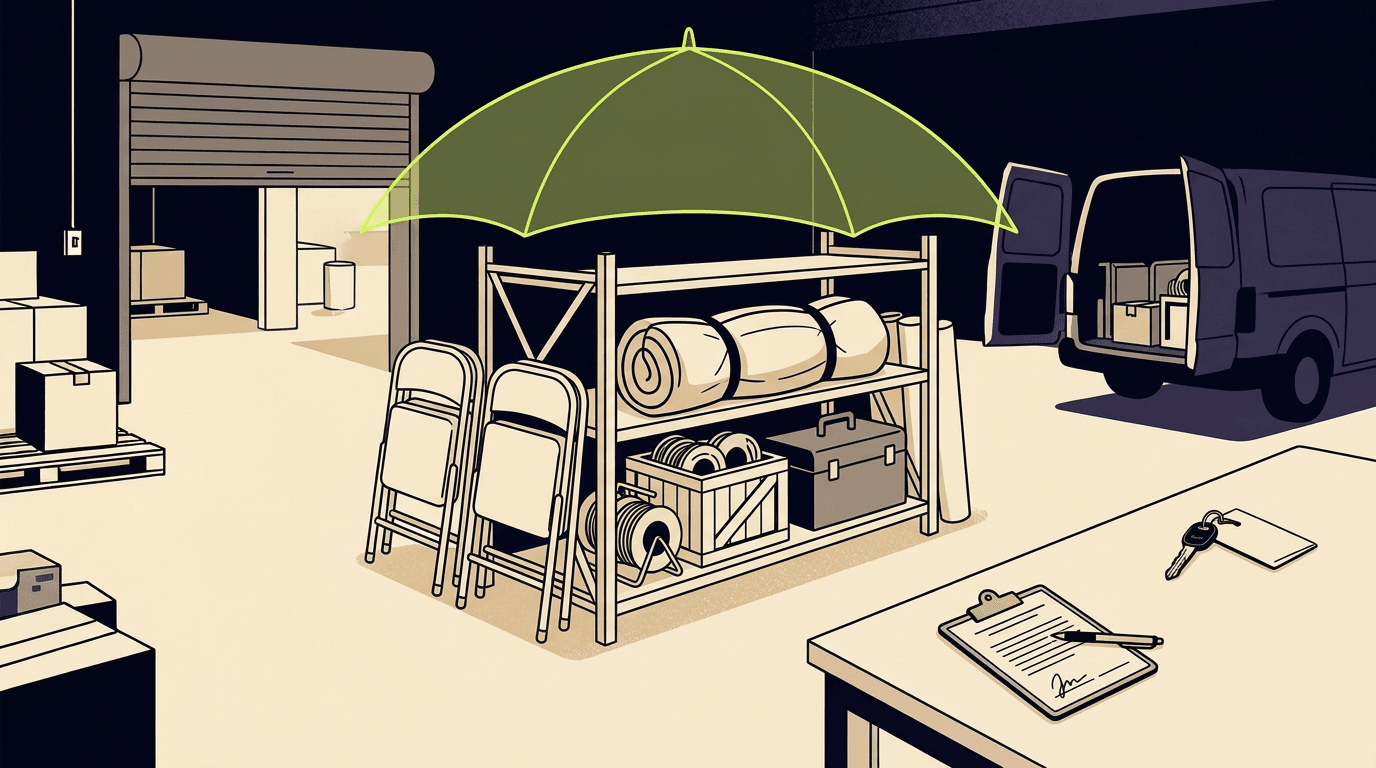
If your system treats a bundle as a separate product with its own count, disconnected from the individual items inside it, double-booking is inevitable. You need the bundle to be a recipe, not a separate pool of inventory.
What happens when a bundle can only be partly filled
Saturday is your busiest day. A customer wants your 10-chair table setup, but 4 of those chairs are already out on another order. If your system just says "unavailable," you have lost the lead. The customer will call someone else.
What you actually want is to see exactly what is short: "6 of 10 chairs available for those dates." From there, you can decide what to do. Maybe you have a different chair colour you can substitute. Maybe you can source 4 extra from another operator you work with. Maybe you offer the customer a smaller setup at a lower price. All of those save the booking. "Unavailable" saves nothing.
Partial shortages are normal, especially during peak season. The important thing is that you see the gap clearly and can act on it before the customer moves on.
Showing bundles on a public catalogue page
If you share a catalogue link with customers so they can browse your gear before calling, bundles should show up as a single card with a name, a price, and a list of what is included. A customer looking at your catalogue does not want to assemble a set themselves from 40 individual item listings. They want to see "Wedding Table Set for 8, $15/day" and say yes or no.
When a bundle appears on a catalogue page, availability and pricing should be current. If that bundle cannot be fully filled for the dates the customer is looking at, telling them upfront avoids a phone call that ends in disappointment.
How Kiryo handles equipment bundles
Kiryo's Bundles feature was built to handle each of the problems described above. Here is how it works in practice.
A bundle in Kiryo is a template, not a separate piece of inventory. You define a name, pick the items and quantities that go into it, and set a flat per-day price. When you add that bundle to an order, it expands into normal order lines, one for each item inside the bundle. Those lines draw from the same availability pool as individually added items of the same type. If you add a "wedding table set" bundle and also add 4 extra chairs to the same order, all of them pull from your one real count of chairs. No separate stock to reconcile, no risk of double-selling.
When a bundle cannot be fully filled because some of its items are already booked on overlapping dates, Kiryo shows exactly what is short and adjusts the price proportionally to what was actually supplied. If only 6 of 10 chairs are available, you see the shortage clearly and the price scales down accordingly. You can then substitute, source extra stock, or adjust the order, instead of losing the customer to a flat "not available" message.
Bundles can also be added to a public catalogue. They appear as a single card showing the bundle name, its contents, and the price, with any catalogue discount applied. Availability and shortage details are always rebuilt from live data, so what the visitor sees is current.
The whole idea is that a bundle takes about ten seconds to add to an order instead of the five minutes it takes to piece together every item by hand. For operators doing 10 or 20 orders a week with similar setups, that adds up fast.